

Works offline
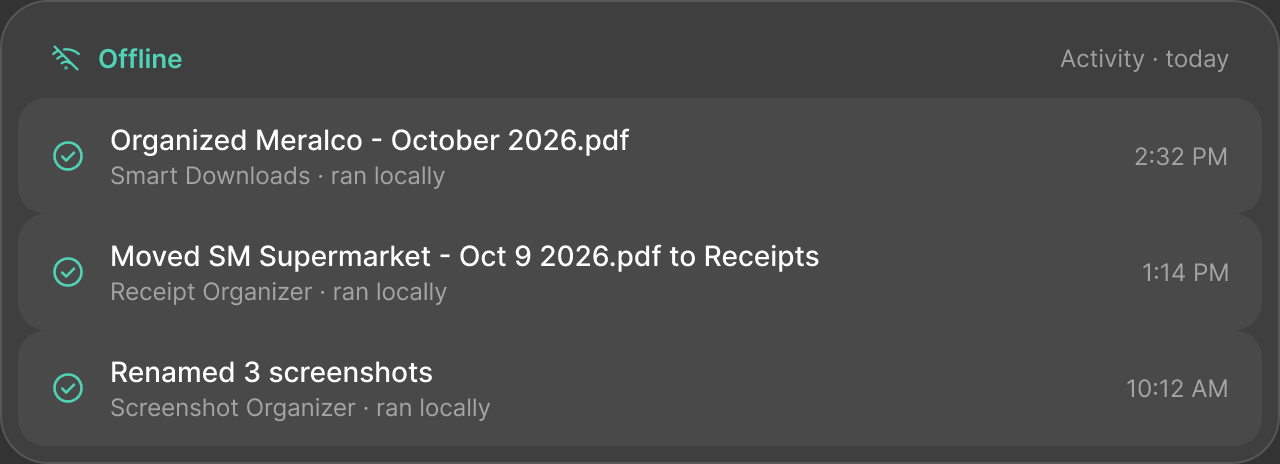
Wi-Fi off.
Still running.
Once Routi is set up, offline routines keep working without internet: at home, on a flight, anywhere.
Connectivity labels
Always labelled.
Never a surprise.
Every routine is labelled from the steps it actually uses — not from a description someone wrote.
 Works offline
Keeps working without internet.
Examples
Smart DownloadsReceipt OrganizerMorning Workspace
Some steps need internet
Local steps keep working. Online steps wait until you’re connected.
Examples
Your own routines that mix local and Cloud AI steps
Internet required
Can’t do its job without an online service. Shown before you add it.
Examples
Document Summary · Meeting Notes → Action Items
Ready-made routines
Most of them
work offline.
RoutineUses Local AIWorks offline
Smart Downloads
No AI needed
Receipt Organizer
No AI needed
Invoice Assistant (Pro)
Local AI
Screenshot Organizer
No AI needed
Smart Home — Bedtime (Pro)
Smart Home
Morning Workspace
No AI needed
Routines that use Local AI work offline, because it’s built into Routi. Cloud AI routines (Pro) need internet and are labelled before you add them.