
Routi Pro
The hard jobs,
done for you.
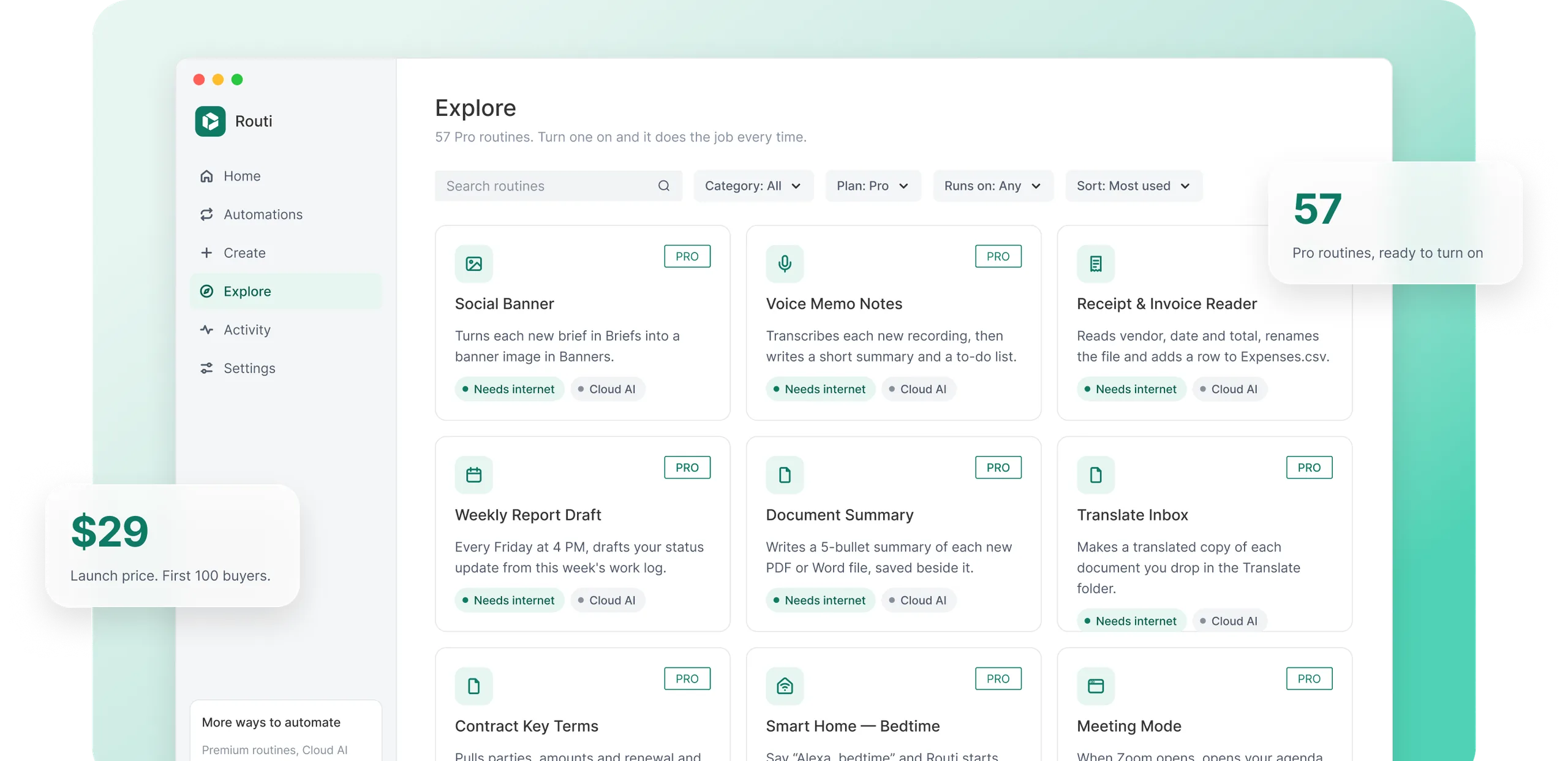
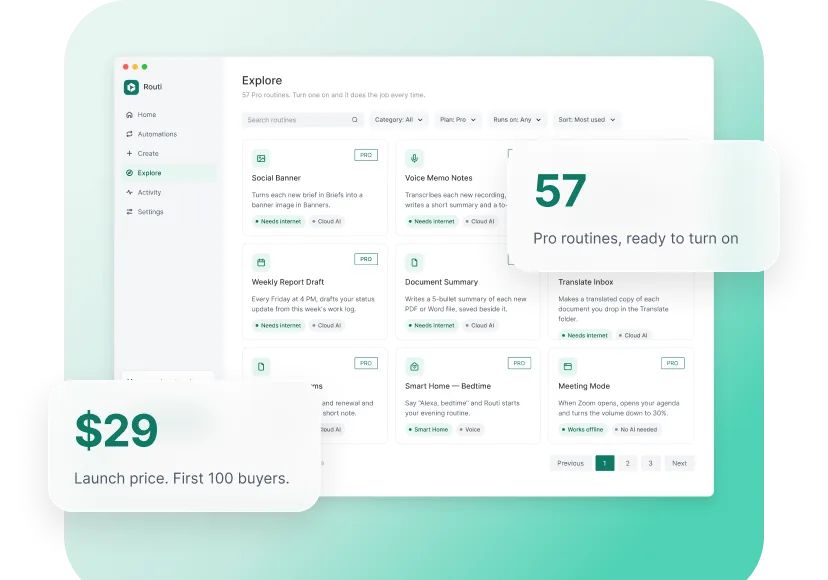
Pro adds 57 routines that read, write, make images, message your phone and start from your voice or a Telegram command. Turn one on and Routi does the job every time, using your own AI account.
One-time purchase · No subscription · Works with your own AI account
What you get
More done, less clicking.
Makes things for you
Images, notes and drafts
Images from a sentence
Banners, social posts and headers from a short brief.
Voice memo notes
A summary and to-dos from any recording.
First drafts
Weekly updates and clean drafts from your notes, ready to edit.
Reads your files
Cloud AI, with your own account
Receipts to a spreadsheet
Store, date and total logged for you.
Summaries and key dates
The gist of long PDFs, and when contracts renew.
Clear file names
Scans named by what’s inside.
Runs your day
Workspace and Smart Home
Meeting Mode and Focus
Apps, links and volume set up for you.
Wind Down
Closes your day at the time you pick.
Start by voice
“Alexa, bedtime” runs a routine.
Reaches you anywhere
Messages and Telegram
Results on your phone
Backups, receipts and failures in Telegram, Discord or Slack.
Start from Telegram
Send /backup or /note and it runs.
Safe by default
Only your account. Lock and Shut down ask first.
Create with AI
Type a sentence.
Get the image.
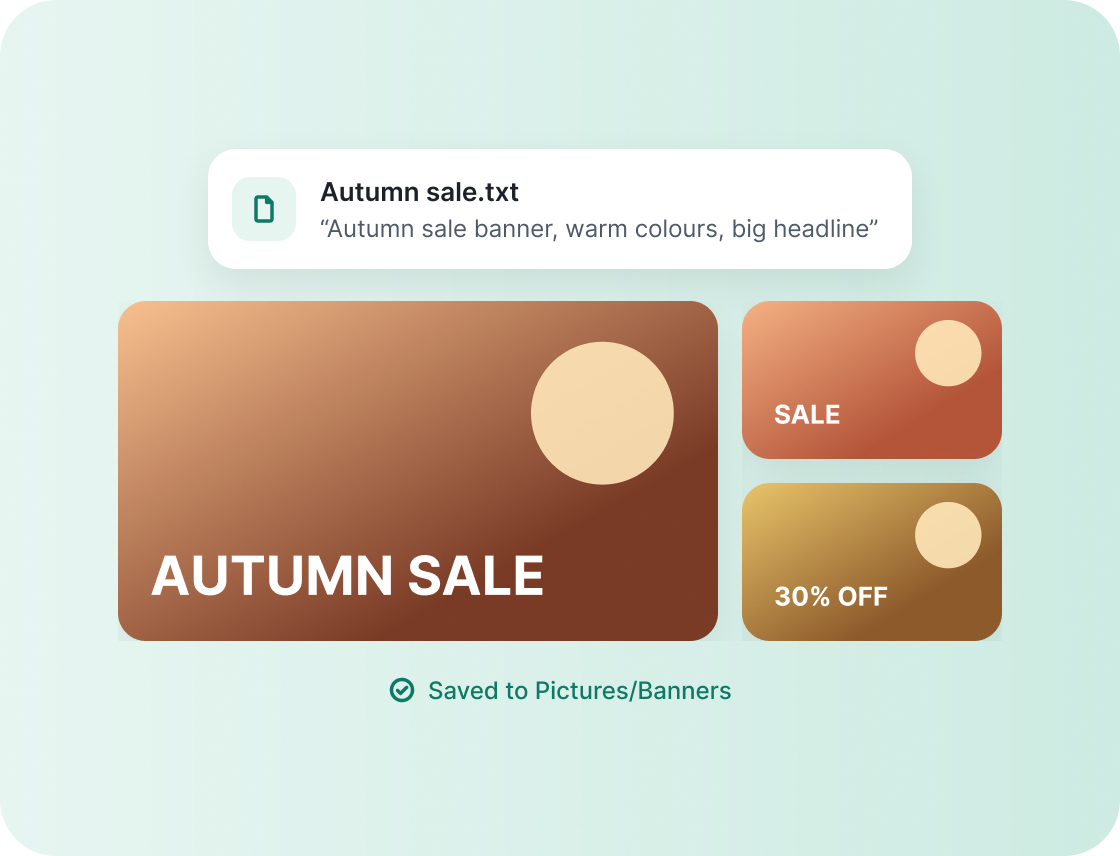
Drop a short brief in a folder, like “Autumn sale banner, warm colours, big headline”. Routi makes the image and saves it where you want it. Banners, social posts, blog headers, slide backgrounds.
Needs an OpenAI account. Images are yours to use.
Voice memo notes
Talk for five minutes.
Get clean notes.
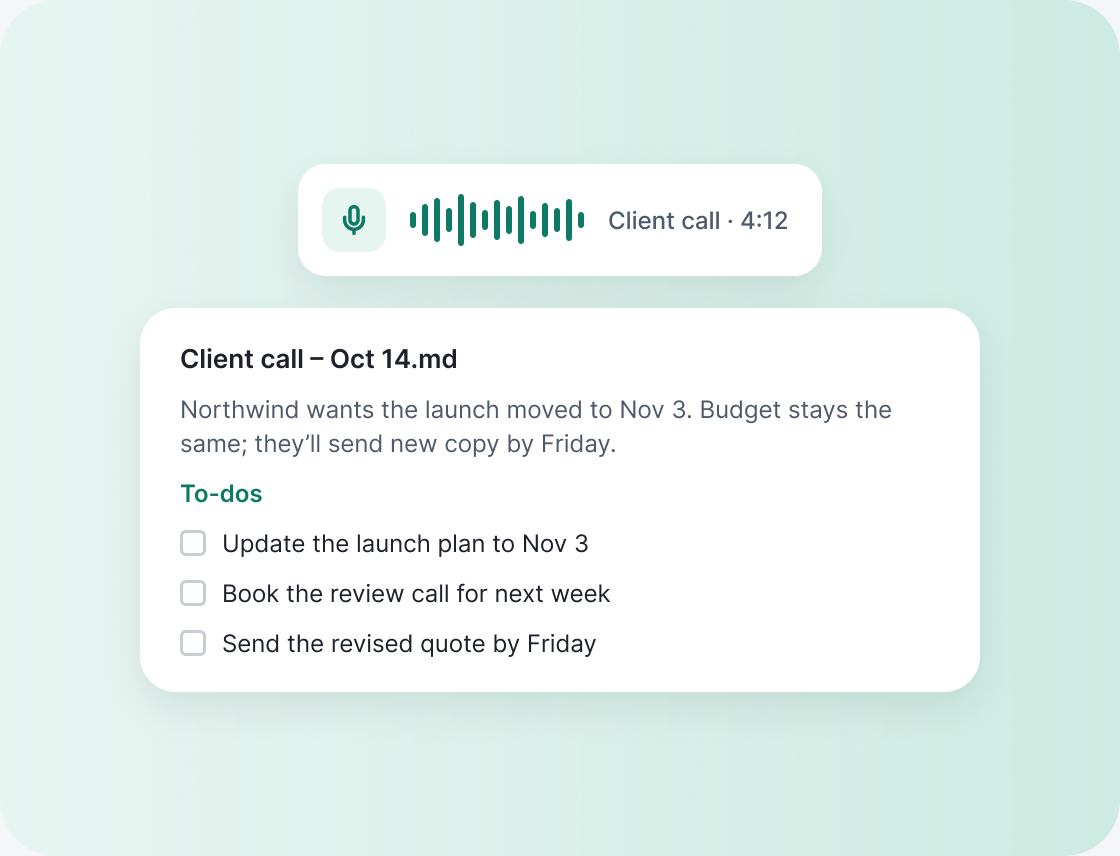
Record a voice memo on a walk or after a call. Routi writes it up: a short summary, the decisions, and the to-dos, saved next to the recording.
Needs an OpenAI or Gemini account. Save recordings from Voice Memos, your phone or Zoom into the folder.
Receipt & Invoice Reader
Receipts in.
Spreadsheet out.
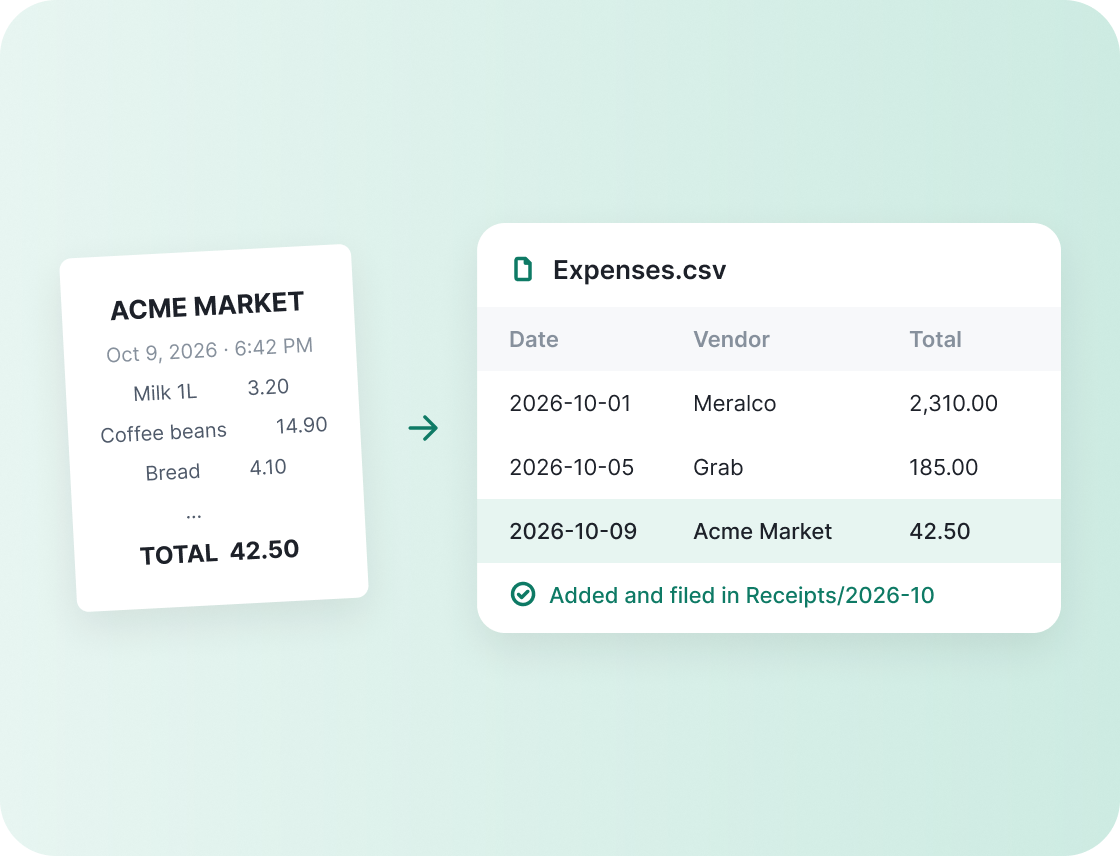
Drop a receipt photo or an invoice PDF. Routi pulls the store, date and total, files it by month and adds a row to your expenses sheet. Month-end takes a minute.
Your sheet is a normal CSV file. Open it in Excel, Numbers or Google Sheets.
First drafts
Your weekly update,
already written.
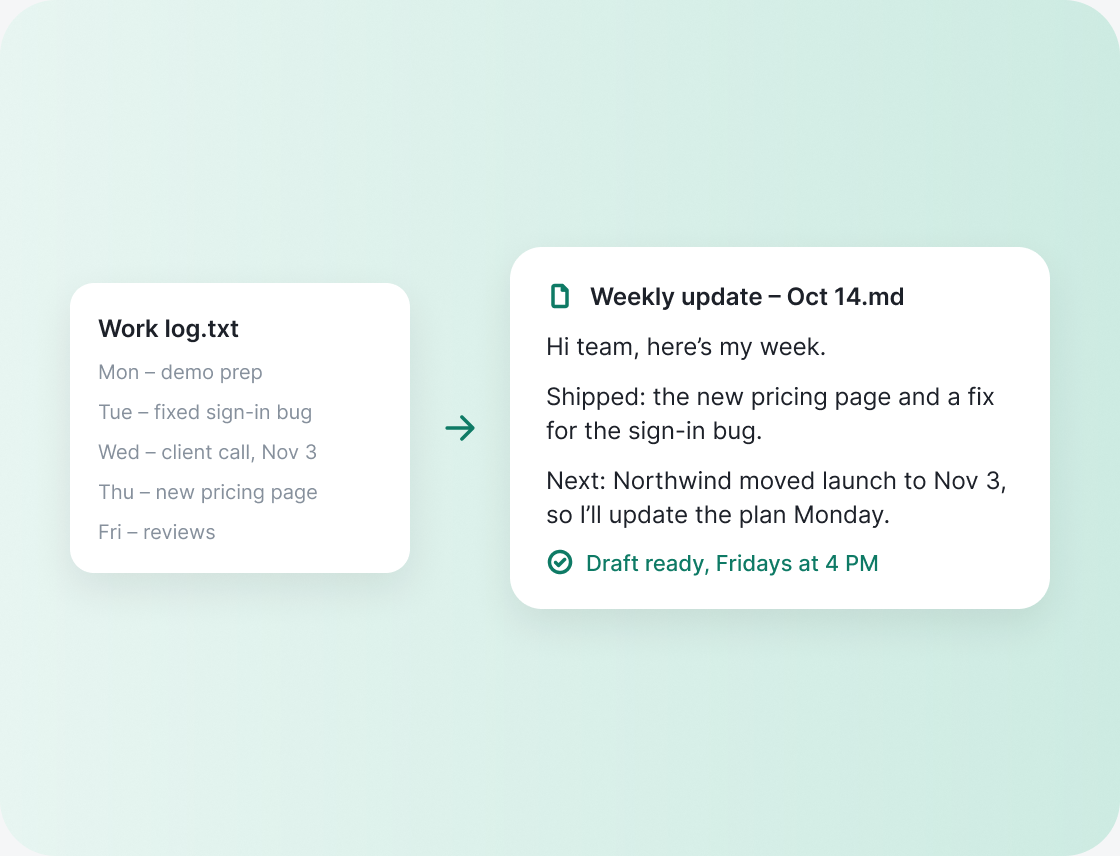
Routi turns the notes you already keep into something you can send: your work log into a Friday status update, rough notes into a clean draft. You read it, tweak it, send it.
Drafts are saved as files. Nothing is sent for you.
Document Summary
Skip the 24 pages.
Read the summary.
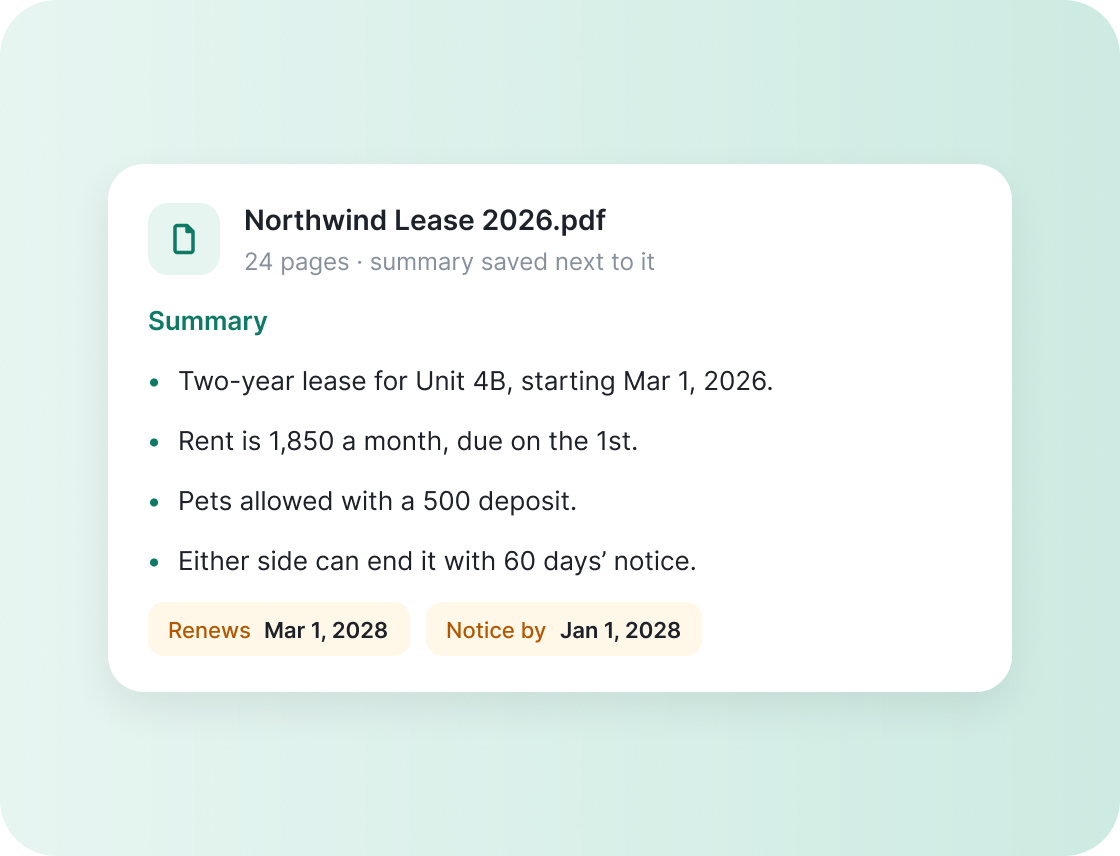
Long documents get a short summary saved right next to them. Contracts also get their key dates and fees, so renewals never sneak up on you. Need it in another language? Routi translates it too.
Works on PDFs, Word files and scans.
Smart Home
Say it.
Routi runs it.
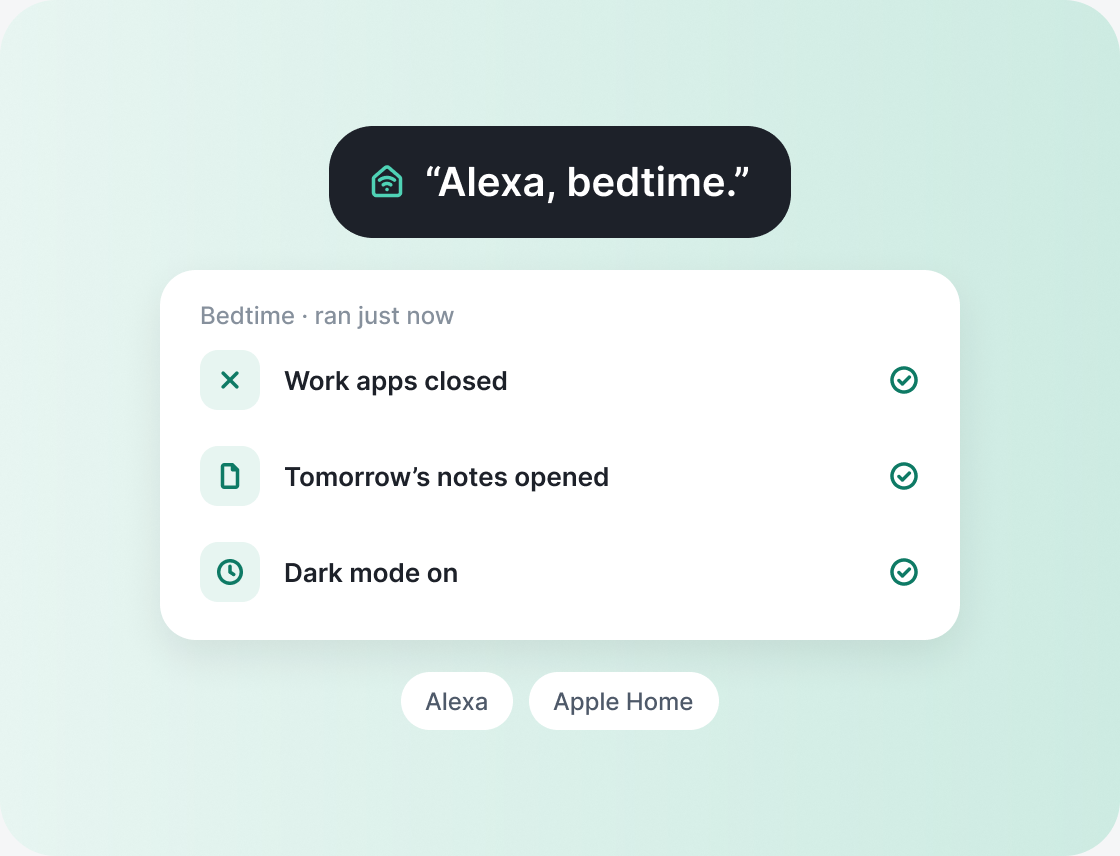
“Alexa, bedtime.” Routi closes your work apps, opens tomorrow’s notes and turns on dark mode. Works with Alexa, or Apple Home through Matter.
Switches stay on your home network. Your computer needs to stay awake.
Messages
Your computer
texts you back.
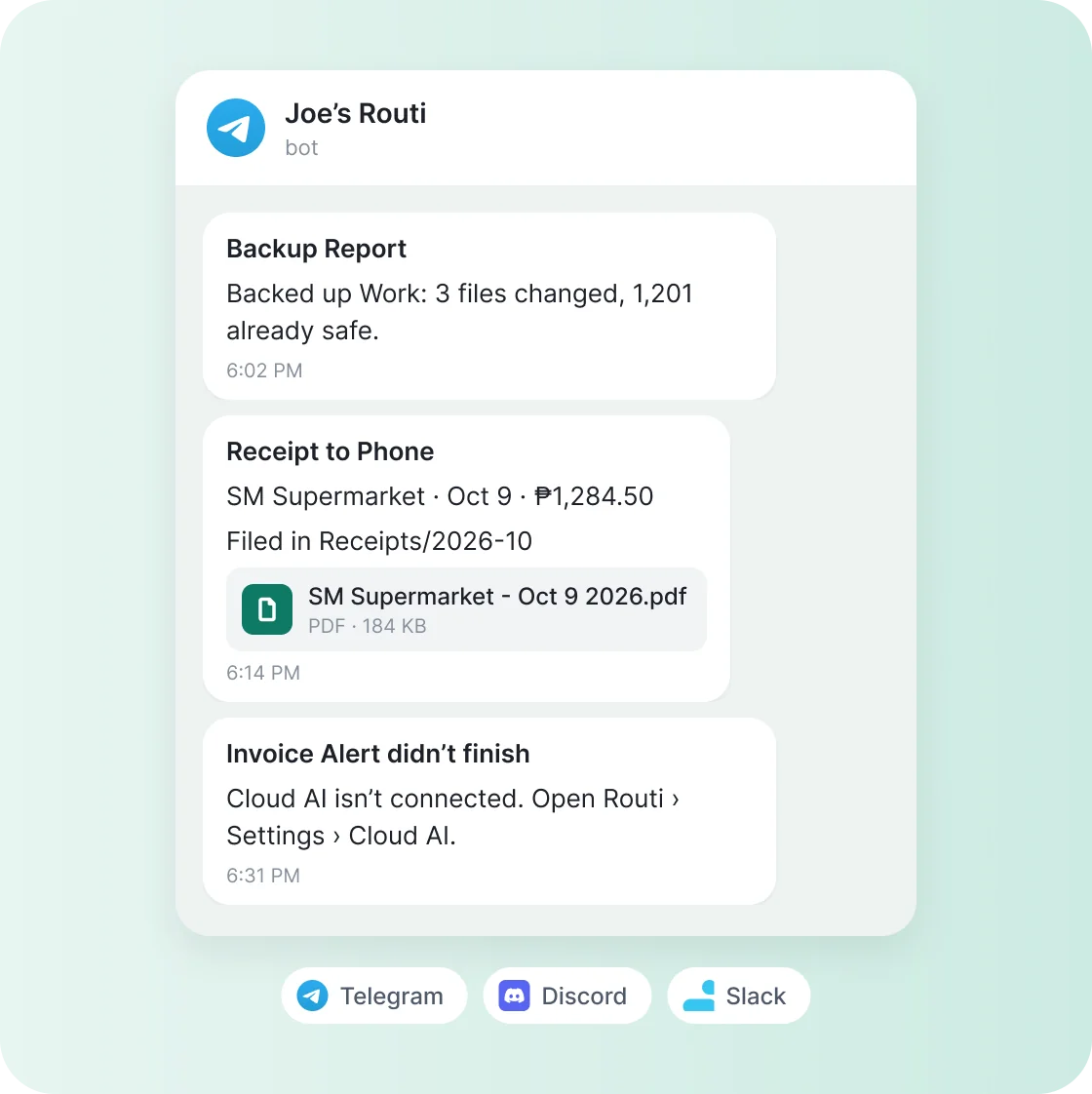
Add a Send a message step and the result lands on your phone or in your team chat. Backups, big downloads, receipts, and anything that failed. Telegram, Discord or Slack.
You make your own bot or webhook, so messages go straight from your computer. Never through Routi.
Telegram commands
Text your computer.
It gets to work.
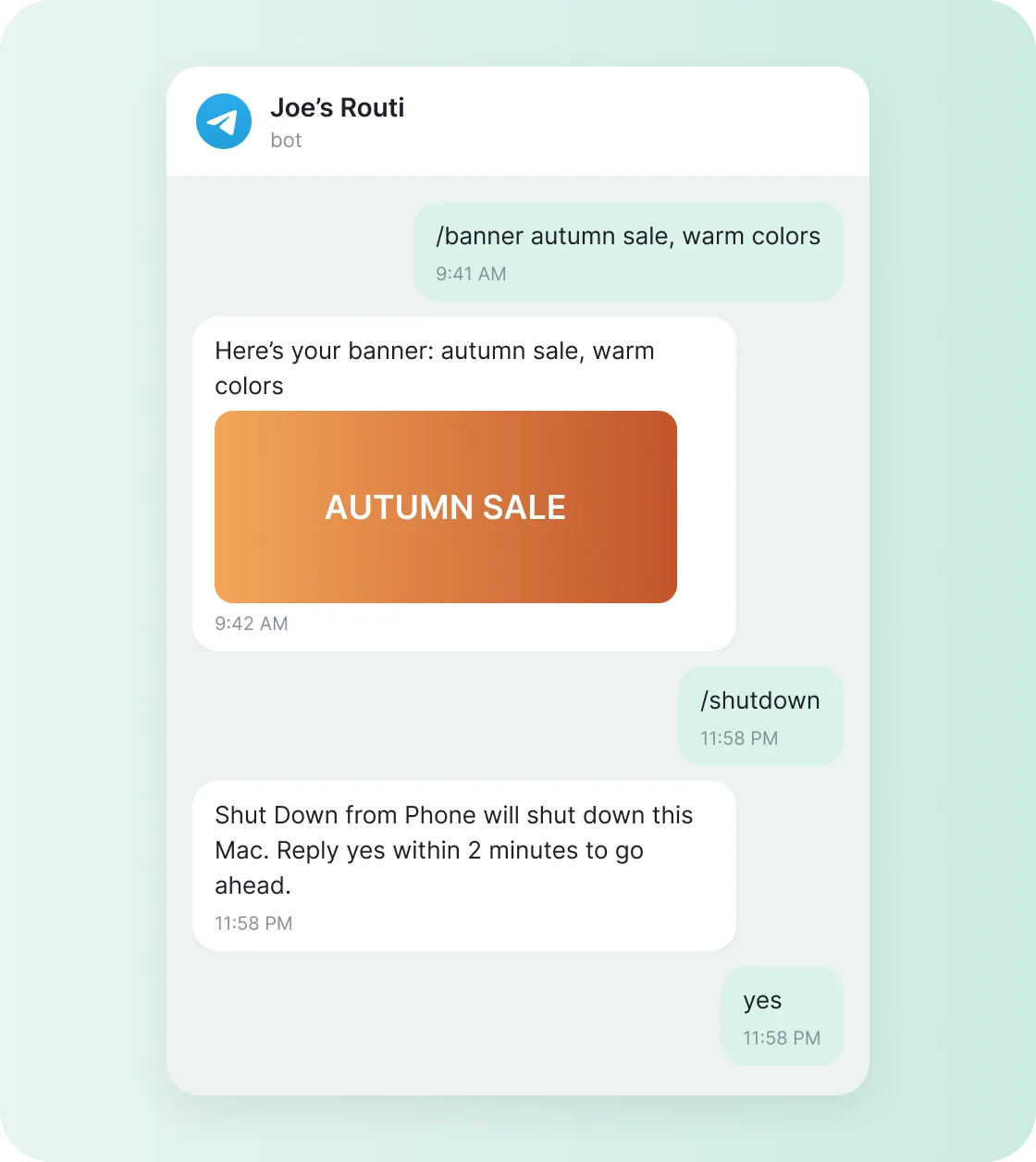
Send /backup, /note call the bank or /banner autumn sale to your own bot. The routine runs on your computer and replies when it’s done, with the file if it made one.
Only your account can start routines. Lock and Shut down ask you to reply “yes” first. Your computer needs to be on and awake.
Also in Pro
57 Pro routines in all.
A few more that save time every week.
Smart Rename
Names scans and photos by what’s inside.
Photo Sorter
Files photos into Receipts, Pets, Travel and more.
Meeting Mode
Zoom opens, the agenda and the right volume follow.
Focus Block
Chat apps close for 50 minutes, then come back.
Translate Inbox
Drop a file, get a translated copy.
Screenshot to Text
Text and a short explanation from any screenshot.
Wind Down
Dark mode, quiet volume and closed apps at night.
Applicant Screener
A one-line fit for every new CV.
Backup Report
Know your backup ran, right on your phone.
Receipt to Phone
Filed by month, vendor and total in your chat.
Note from Phone
Send /note and it’s added to your Inbox note.
Lock from Phone
Walked away unlocked? Send /lock.
Cloud AI
Your AI, your rules.
Pro uses an AI account you already have, or a new one in two minutes. You stay in charge of what gets sent and how much it’s used.
Your own account
OpenAI, Anthropic or Google Gemini. Usage is billed by them, not by Routi.
Only the file at hand
A routine sends just the file it’s working on. See exactly what gets sent before you turn it on.
Limits you set
Daily limits per routine and a size cap per file, so nothing runs away.
Free vs Pro
Everything in Free,
plus more.
Routi stays free. Pro adds the jobs that need a brain.
Pricing
Pay once.
Keep it.
Routi Pro is a one-time purchase. No subscription, no renewals. Use it on up to 3 computers, Mac or Windows. Checkout opens in your browser, and you turn Pro on in the Routi app.
Routi Pro
$29
one-time
Launch price for the first 100 buyers. Then $39.
Use it on up to 3 computers, Mac or Windows
Cloud AI: images, voice memo notes, drafts, receipts and summaries
Pro routines for meetings, focus and wind-down
Smart Home voice routines for Alexa and Apple Home
Messages to Telegram, Discord or Slack, and Telegram commands
Works with Routi for Mac or Windows (free). Mac: Apple Silicon (M1 or later) and macOS 12 or later. Windows: 10 or 11, 64-bit.
Before you buy
Is Routi Pro a subscription?
No. It’s a one-time purchase: $29 for the first 100 buyers, then $39.
How many computers can I use it on?
Up to 3 computers with one license, Mac or Windows. Moving to a new computer? Turn Pro off on the old one in Routi’s Settings, or release it from your Polar customer portal.
How do I turn Pro on?
After checkout, open Routi and choose Unlock Pro. Activation happens in the app and needs an internet connection.
Do I need my own AI account?
Only for Cloud AI. You connect your provider in Settings, and they bill you for what you use.
What leaves my computer?
Only what a Cloud AI step sends to the provider you chose — its prompt and the selected file content. Other steps run on your computer.
Does Routi see my messages?
No. Messages go straight from your computer to Telegram, Discord or Slack through the bot or webhook you made. There’s no Routi server in between, and the token stays in macOS Keychain or Windows Credential Manager.
Can someone else run my routines from Telegram?
No. Only the Telegram account that set up the bot (it proves it with a one-time code) can start routines, and only the ones you switch on. Group chats and anyone else are ignored, and Lock and Shut down ask you to reply “yes” first.