
Get Routi for Mac.
Free to download. Set up your first routine in a few minutes.
Download for MacVersion 1.3.24 · Disk image (.dmg) · Apple Silicon · macOS 12+
 Works offline after setup
Get Routi for Windows.
Free to download. Set up your first routine in a few minutes.
Download for WindowsVersion 1.3.24 · Installer (.exe) · Windows 10 and 11 · 64-bit
Works offline after setupGetting started
Up and running
in three steps.
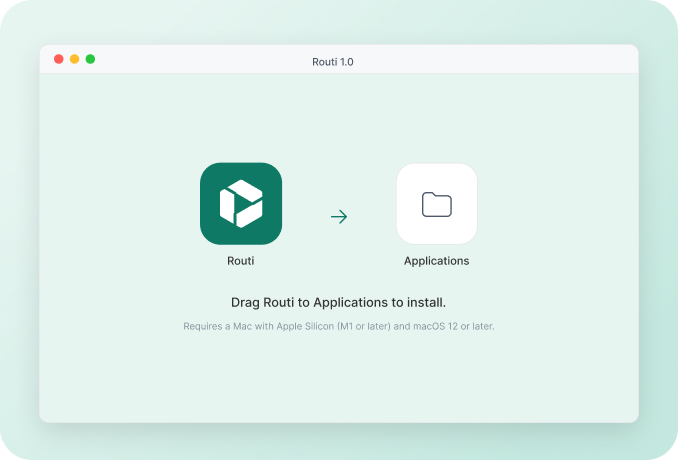
Step 1
Drag Routi to Applications.
Open the download and drag Routi into your Applications folder.
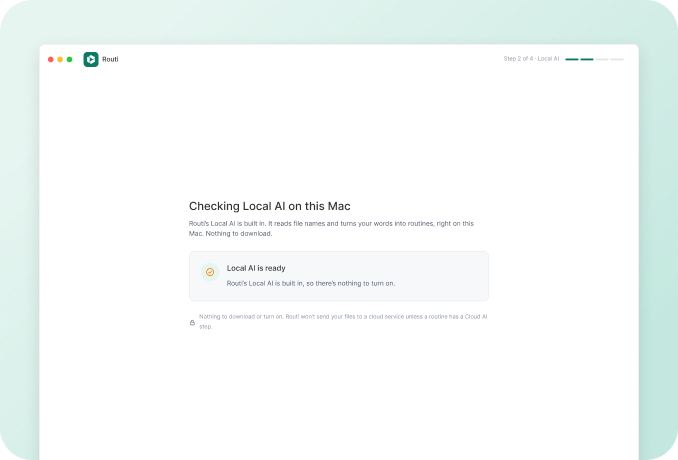
Step 2
Let Routi check Local AI.
Routi checks that its built-in Local AI is ready. There’s nothing extra to download or turn on.
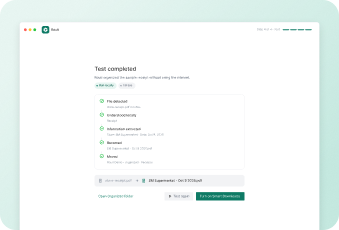
Step 3
Try your first routine.
Start with a safe demo folder, watch a test run, then turn it on.
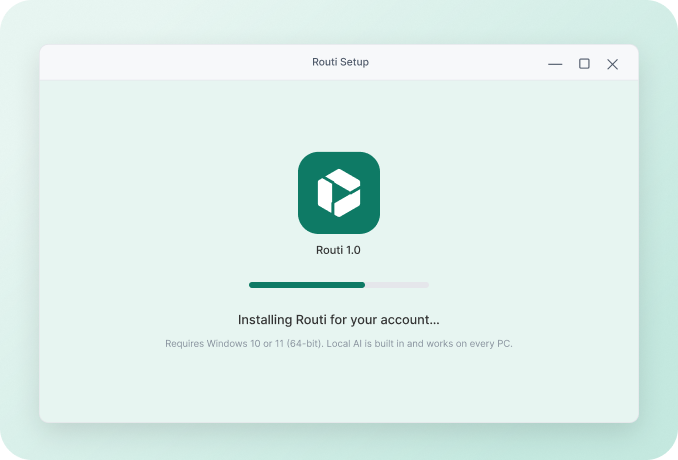
Step 1
Run the installer.
Open Routi-Setup.exe. It installs for your account, so no admin password is needed.
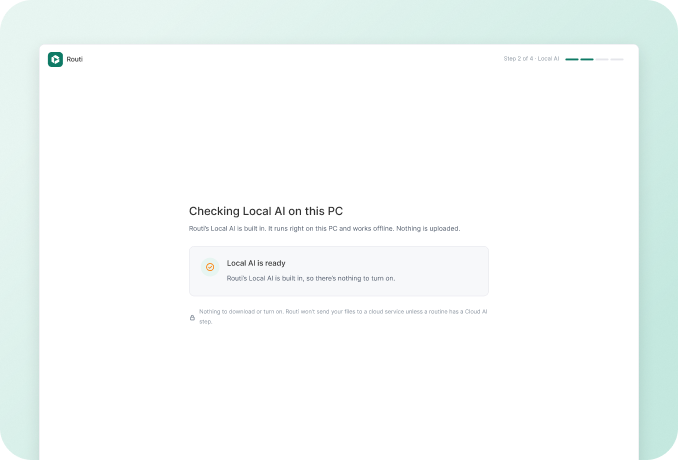
Step 2
Let Routi check Local AI.
Local AI is built in and works on every PC.
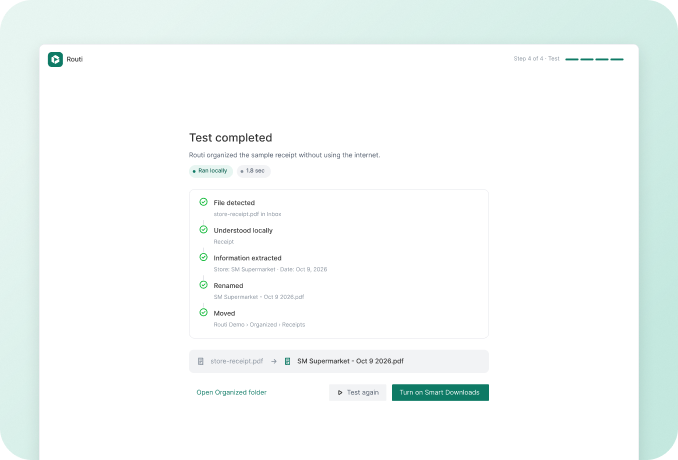
Step 3
Try your first routine.
Start with a safe demo folder, watch a test run, then turn it on.
Requirements
What you’ll need.
Requires a Mac with Apple Silicon (M1 or later) and macOS 12 or later.
Requires Windows 10 or 11 (64-bit). Local AI is built in and works on every PC.
Before you download
Windows says “Windows protected your PC”. Is Routi safe?
Yes. Windows shows this for apps it doesn’t know yet. Click More info, then Run anyway. Routi installs only for your account and never asks for an admin password.
Do I need internet to use Routi?
Only to download it. Offline routines keep running without internet.
Will Routi download an AI model?
No. Local AI is built into Routi, so there’s no model to download.
Is Routi on Windows the same as on Mac?
Yes. The same routines, builder, Cloud AI and Smart Home. A few things follow how Windows works: Routi lives in the system tray, opens folders in File Explorer and stores keys in Credential Manager.
Where are my routines stored?
On your computer. Routines, settings and run history are stored locally, no account needed.
How do I uninstall Routi?
Quit Routi from the menu bar, then drag it from Applications to the Trash. Your files stay exactly where they are.
How do I uninstall Routi?
Quit Routi from the system tray, then open Settings › Apps › Installed apps, find Routi and choose Uninstall. Your files stay exactly where they are.